
Support for passkeys in Windows - Windows Security | Microsoft Learn
Passkeys provide a more secure and convenient method to logging into websites and applications compared to passwords. Unlike passwords, which users must remember and type, passkeys are stored as secrets on a device and can use a device's unlock mechanism (such as biometrics or a PIN). Passkeys can be used without the need for other sign-in challenges, making the authentication process faster, secure, and more convenient.
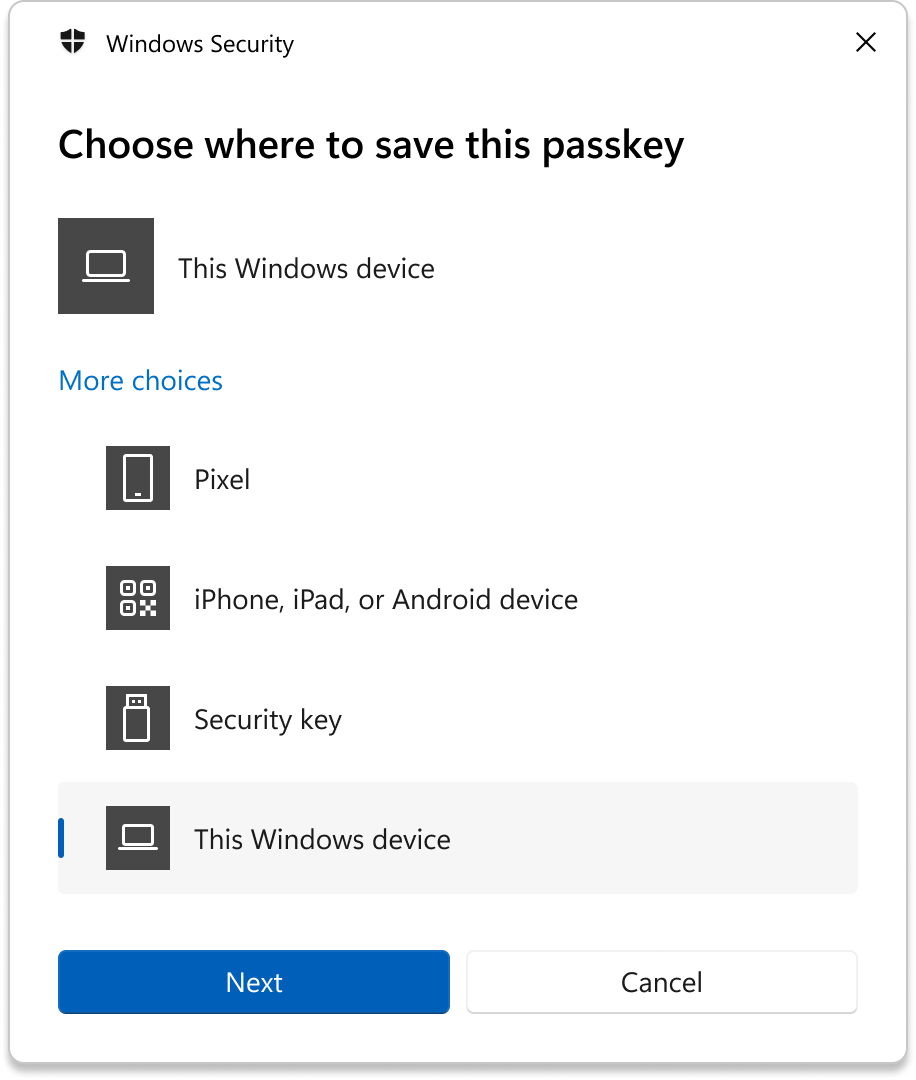
You can use passkeys with any applications or websites that support them, to create and sign in with Windows Hello. Once a passkey is created and stored with Windows Hello, you can use your device's biometrics or PIN to sign in. Alternatively, you can use a companion device (phone or tablet) to sign in.
Note: Starting in Windows 11, version 22H2 with KB5030310, Windows provides a native experience for passkey management. However, passkeys can be used in all supported versions of Windows clients.
Microsoft has long been a founding member of the FIDO Alliance and has helped to define and use passkeys natively within a platform authenticator like Windows Hello. Passkeys utilize the FIDO industry security standard, which is adopted by all major platforms. Leading technology companies like Microsoft are backing passkeys as part of the FIDO Alliance, and numerous websites and apps are integrating support for passkeys. The FIDO protocols rely on standard public/private key cryptography techniques to offer more secure authentication. When a user registers with an online service, their client device generates a new key pair. The private key is stored securely on the user's device, while the public key is registered with the service. To authenticate, the client device must prove that it possesses the private key by signing a challenge. The private keys can only be used after they're unlocked by the user using the Windows Hello unlock factor (biometrics or PIN). FIDO protocols prioritize user privacy, as they're designed to prevent online services from sharing information or tracking users across different services. Additionally, any biometric information used in the authentication process remains on the user's device and isn't transmitted across the network or to the service.