
Cloud PKI manages the full lifecycle of issued certificates for managed devices. For example, it can perform automatic renewals when expirations near and expire certificates no longer in use. You’ll also be able to revoke certificates when devices are wiped, deleted, or removed from Intune. When appropriate, Cloud PKI will also provide an Intune certificate administrator with the ability to manually revoke a certificate, if needed based on security concerns or alerts from other security frameworks.
Issued certificates from Cloud PKI can be used for certificate-based authentication (CBA) use cases, such as accessing Wi-Fi networks, VPNs, Windows Hello for Business, and even Microsoft 365 apps. CBA provides a much more secure authentication method over passwords, improving an organization’s overall security posture.
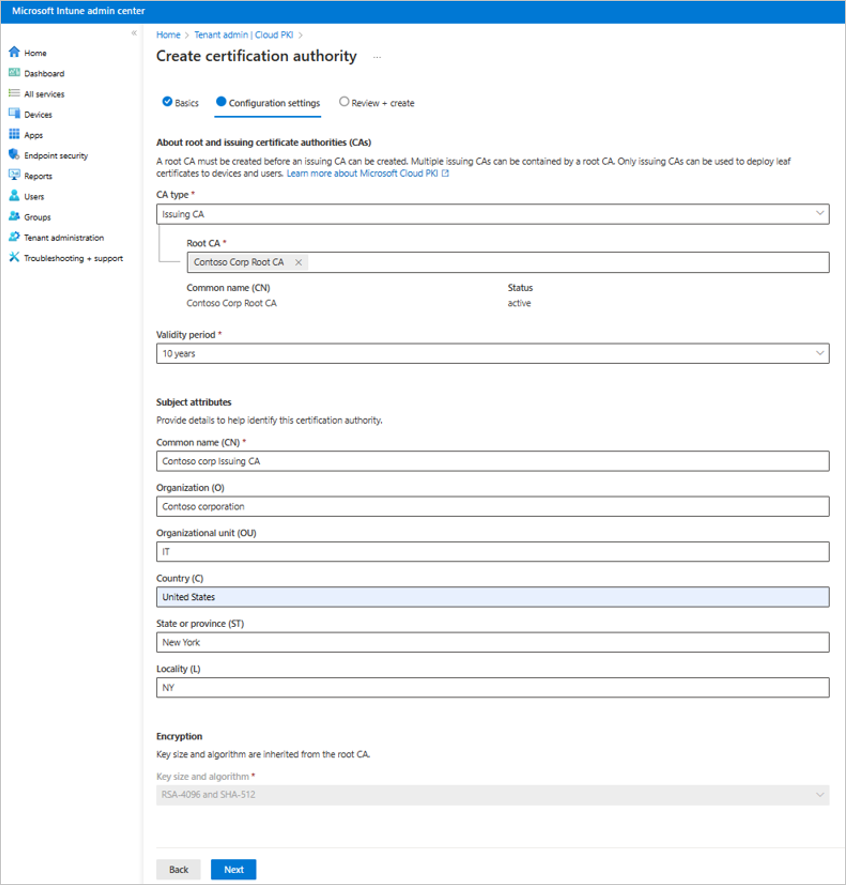
Cloud PKI provides a single pane of glass from the cloud for certification authorities, registration authorities, revocation distribution lists, monitoring, and reporting. Dashboards and detailed views of certificate renewals, revocations, expiration work together to provide agility, cost efficiency, and security. With Cloud PKI, you can manage your certificates where you manage your endpoints, all while saving time and money by bringing your PKI infrastructure to the cloud.
Microsoft Cloud PKI launches as a new addition to the Microsoft Intune Suite | Microsoft Intune Blog